
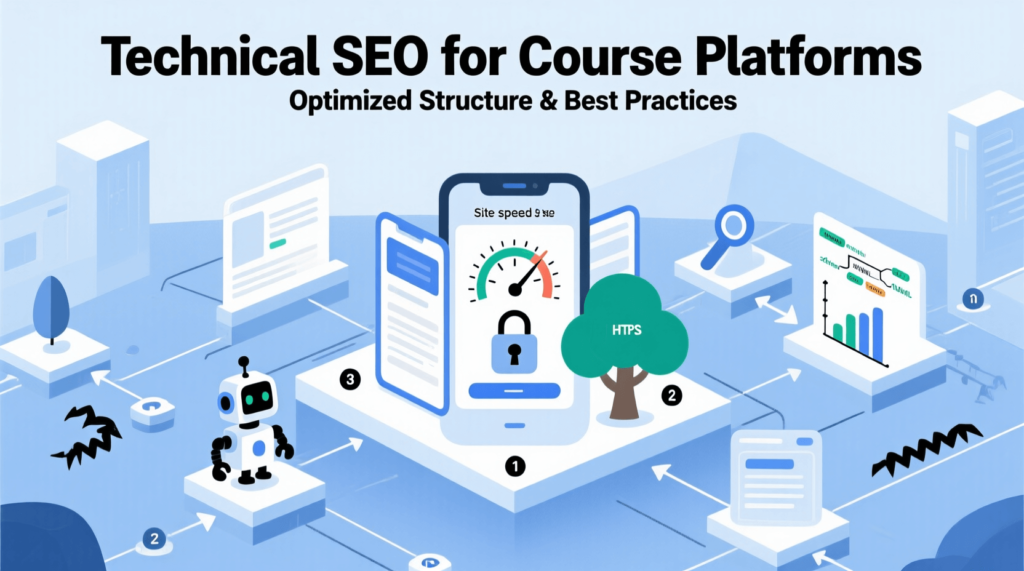
Optimizing a course platform for search engines requires a comprehensive technical SEO strategy. From site architecture and URL structure to performance, indexing, and semantic content, every element impacts visibility, user experience, and engagement.
This guide explores best practices for organizing courses, improving crawlability, enhancing page performance, and leveraging structured data to ensure learners and search engines can navigate your platform effectively.
1. Website Architecture & Structure
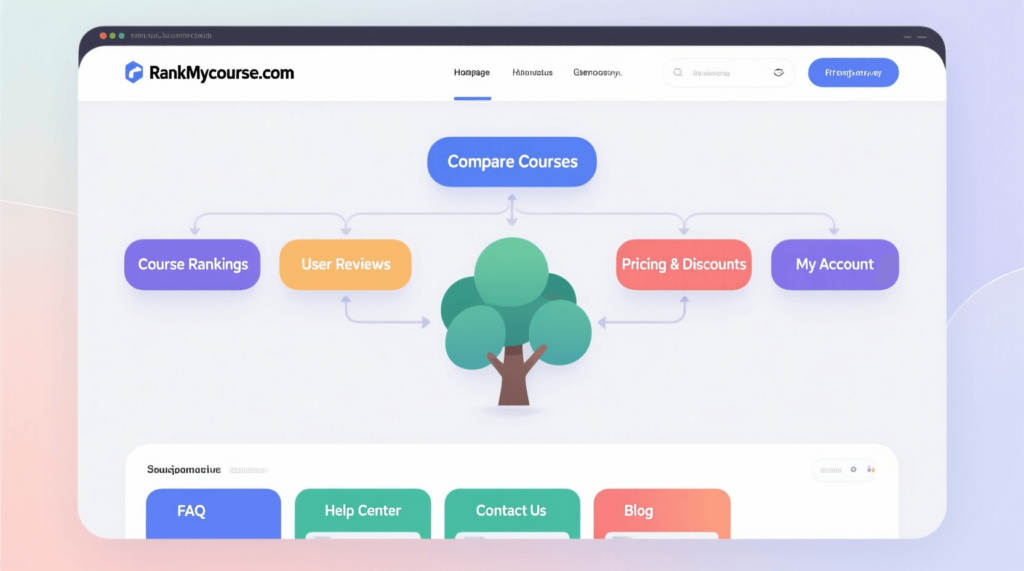
A well-organized site ensures search engines can crawl and index course platforms efficiently. Logical hierarchy and clear structure improve discoverability, user experience, and ranking potential. Every page should have a purpose and fit within the overall course ecosystem.
1.1 Structure of URL
URLs must be clear, semantic, and include relevant terms. This helps search engines understand page content.
Hierarchical mapping organizes URLs from domain to category, then course, then lesson. For example, domain.com/programming/python-basics/introduction signals both structure and topic.
Consistency in URL patterns across courses avoids confusion and simplifies indexing. It also supports easier navigation and linking across lessons and categories.
1.2 Information of Architecture
Organizing courses into categories and subcategories improves discoverability. Grouping related topics reduces clutter and guides users to relevant content quickly.
Filtering and faceted navigation allow students to sort courses by skill level, topic, duration, or format. This enhances usability while helping search engines understand content relationships.
Tags, levels, and skill mapping categorize courses further. Properly labeled metadata improves search visibility and internal organization without overloading pages with duplicate content.
1.3 Internal Linking
Contextual links between courses, lessons, and articles strengthen authority and distribute ranking potential. Related content connections encourage deeper engagement and longer sessions.
Breadcrumbs show hierarchy and allow users and search engines to trace paths easily. Each breadcrumb adds context and improves indexing.
Including related courses and recommended lessons keeps visitors navigating within the platform, signaling relevance and quality to search engines.
1.4 Site Maps
XML sitemaps list all courses, categories, and lessons for search engines. This ensures new content is discovered quickly.
HTML sitemaps assist users in locating courses efficiently. Both formats complement each other for SEO and usability.
Dynamic sitemaps automatically update when new courses are added. This prevents orphan pages and ensures consistent indexing.
1.5 Pagination & Infinite Scroll
Paginated content should include proper canonical tags to prevent duplicate indexing. Each page in a series must remain discoverable while indicating the sequence.
Lazy loading for long course lists speeds up page rendering while keeping content accessible to search engines. Proper implementation avoids hidden content issues that could impact ranking.
1.6 Site Navigation
Top navigation menus provide direct access to primary categories and high-priority courses. They guide users efficiently while signaling hierarchy to search engines.
Footer links reinforce site structure and pass authority to important pages. Including category, course, and resource links improves indexing and discoverability.
Mobile-first navigation ensures that menus, dropdowns, and links are accessible on all devices. Search engines prioritize mobile usability, making this essential for visibility.
2. Crawling & Indexing
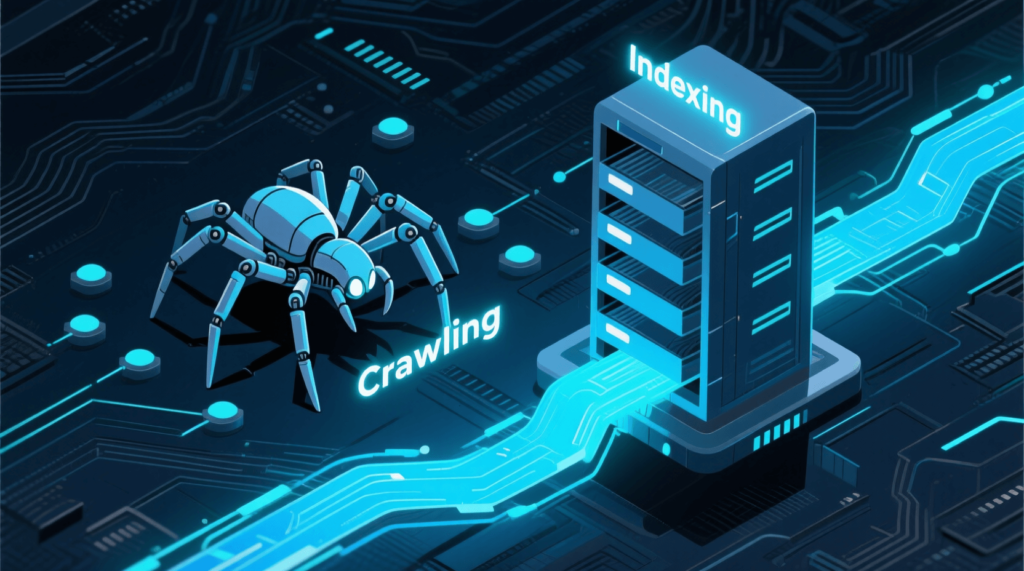
Ensuring search engines can fully access and interpret all content is crucial for course platforms. Proper crawling and indexing make sure every course, lesson, and resource is visible in search results and performs optimally.
2.1 Robots.txt & Crawl Directives
Robots.txt files control which pages search engines can access. Blocking irrelevant pages such as login screens, checkout steps, or duplicate content prevents wasted crawl resources.
At the same time, allow indexing of main courses and lessons. Ensuring important content is crawlable improves visibility and ranking potential. Proper configuration avoids accidental exclusion of valuable pages.
2.2 Noindex / Canonical Strategy
Pages with limited value, like previews or filtered lists, should include noindex tags. This prevents duplicate content issues that can dilute authority.
Canonical URLs indicate the primary version of multi-format lessons, ensuring search engines consolidate ranking signals to one authoritative page. Implementing these strategies maintains clarity and avoids confusion between similar pages.
Check out our detailed blog on SEO Strategy for Course Creators at RankMyCourse. Learn how to improve your course visibility, use keywords effectively, and attract more students. Read it now to get simple, practical tips for growing your online courses
2.3 Crawl Budget Optimization
Search engines allocate a finite crawl budget per site. Prioritize high-value course pages to make the most of available resources.
Prevent thin or low-quality pages from being crawled unnecessarily. Removing or restricting access to minor pages ensures search engines focus on core content, improving overall indexing efficiency.
2.4 Schema & Structured Data
Structured data helps search engines understand content context and improve rich results.
Use course schema to define course details and the hosting educational organization. Lesson-level structured data can include VideoObject or Article markup to enhance indexing and search appearance.
Additional schema for FAQs, reviews, and events adds credibility and increases visibility in rich snippets. Proper implementation improves click-through rates and highlights content relevance.

3. On-Page Technical SEO
Optimizing technical elements on each page ensures search engines can understand content and users can navigate smoothly. Proper setup increases visibility, engagement, and ranking potential. Every course and lesson benefits from precise, structured implementation.
3.1 Title Tags & Meta Descriptions
Titles must include relevant keywords for courses and lessons. Clear, descriptive titles communicate the subject and target audience.
Meta descriptions summarize course benefits and highlight unique value. They help search engines display relevant snippets and encourage clicks. Consistency between title and description improves relevance signals.
Read our detailed blog on SEO for Course Landing Pages at RankMyCourse. Discover how to optimize your pages, attract more students, and improve your course visibility online. Check it out now for practical tips to make your courses stand out.
3.2 Heading Structure
Use H1 for the main course title. This signals primary focus to search engines and structures the page clearly.
H2 and H3 tags should outline module topics, lessons, or subtopics. Proper hierarchy improves readability, content organization, and indexing clarity.
3.3 Content Rendering
Ensure images and videos load efficiently with lazy loading. Proper setup prevents delays without blocking search engine crawlers.
Full content should render immediately on page load. Avoid pages where content is generated only via JavaScript, as this can limit indexing. Static or pre-rendered content ensures all information is accessible.
3.4 Multimedia Optimization
Videos should include transcripts and captions. This improves accessibility and allows search engines to understand content context.
Images must be optimized with descriptive alt text, compression, and modern formats like WebP for faster load times.
Audio content, such as lectures or podcasts, benefits from clear descriptions, titles, and metadata. This increases discoverability in search results and platforms.
3.5 URL Parameters
Clean URLs improve clarity and prevent duplication. For course filters such as topic, level, or instructor, use readable paths instead of complex query strings.
Avoid duplicate content caused by unnecessary URL parameters. Consistent, descriptive URLs enhance crawlability and provide a better user experience.
4. Performance & Core Web Vitals
Optimizing performance enhances both user experience and search visibility. Fast, accessible, and responsive pages increase engagement and support higher rankings. Each course page should load efficiently, render correctly, and remain easy to navigate across devices.
4.1 Page Speed Optimization
Minifying CSS and JavaScript reduces file sizes and accelerates loading.
Improving server response times ensures users reach content quickly, reducing bounce rates.
Implementing caching and a content delivery network (CDN) distributes resources efficiently, improving load times globally.
4.2 Mobile Optimization
Responsive design adapts course pages to all screen sizes, maintaining readability and layout integrity.
Touch-friendly interfaces simplify navigation for lessons, modules, and interactive elements, improving usability on mobile devices.
4.3 Core Web Vitals
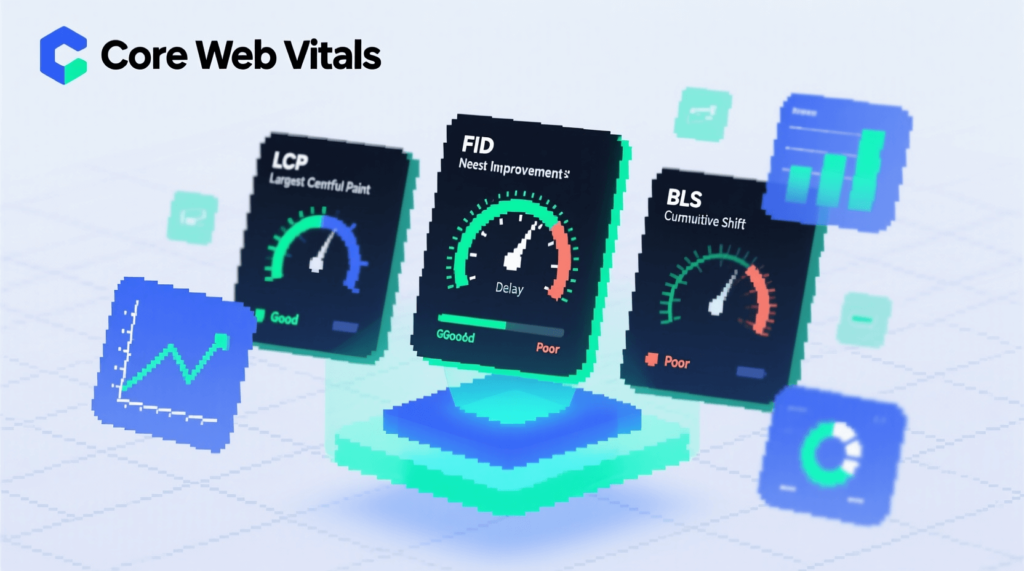
Largest Contentful Paint (LCP) measures loading speed of primary content. Optimizing images, videos, and server response reduces delays.
Cumulative Layout Shift (CLS) tracks visual stability. Avoid unexpected shifts during load to prevent a poor user experience.
First Input Delay (FID) monitors responsiveness to user interactions. Reducing heavy scripts and optimizing code ensures smooth navigation.
4.4 Accessibility
Use ARIA labels for menus and interactive elements to assist screen readers.
Semantic HTML provides structural meaning to course content, improving accessibility and indexing.
Ensure full keyboard navigation, enabling users to access lessons, modules, and resources without a mouse. Screen-reader compatibility supports diverse learners.

5. Advanced Technical SEO
Addressing deeper SEO challenges ensures course platforms remain visible, organized, and fully indexed. Proper setup handles complex content, international targeting, and dynamic functionality. Each adjustment contributes to stronger search performance and better user experience.
5.1 Multilingual & International SEO
Hreflang tags indicate language and regional variations for translated courses. This prevents duplicate content issues and guides search engines to the correct version for users.
Regional course targeting helps local learners find relevant courses. Tailoring content by region improves engagement and relevance signals.
5.2 Secure & Reliable Hosting
HTTPS with SSL certificates ensures encrypted connections, protecting user data and signaling trustworthiness to search engines.
Uptime monitoring prevents downtime that can hurt rankings and user experience. Reliable hosting maintains accessibility for all learners.
5.3 Structured Data & Rich Snippets
Use structured data to display course details in search results. Star ratings, pricing, and enrollment information increase visibility and click-through rates.
EventDate markup highlights live sessions, allowing search engines to display accurate schedules and improve search relevance.
5.4 API & Dynamic Content SEO
Dynamic course listings must remain crawlable. Server-side rendering ensures content is visible to search engines, unlike client-side-only rendering that can block indexing.
APIs feeding content should follow SEO-friendly practices, ensuring each dynamically generated page maintains discoverability and proper metadata.
5.5 Pagination, Filtering, and Sorting SEO
Rel=next/prev tags indicate page sequences for course lists, reducing duplicate content issues.
Handle URL parameters carefully to avoid creating multiple versions of the same content. Prevent index bloat from combinations of filters or sorting options, maintaining clean and efficient site indexing.

6. Monitoring, Auditing & Analytics
Continuous tracking and improvement maintain SEO health for course platforms. Regular checks prevent issues, enhance performance, and ensure content remains visible to search engines. Every monitoring step helps identify opportunities and resolve problems before they affect rankings.
6.1 SEO Audits
Regular audits catch crawl errors, broken links, and misconfigured redirects. Identifying these issues early prevents ranking drops.
Duplicate content checks ensure that similar or repeated lessons, previews, or filtered pages do not dilute authority.
Redirect chains and loops should be fixed to maintain efficient crawl paths. Proper redirects preserve ranking signals and avoid user frustration.
6.2 Log File Analysis
Server log files reveal how search engines crawl the platform. Monitoring patterns helps identify under-crawled pages or areas that need optimization.
Analysis also highlights non-indexed pages, allowing corrective action to make valuable content discoverable.
6.3 Analytics & Reporting
Track page performance metrics like Largest Contentful Paint (LCP), First Input Delay (FID), and Cumulative Layout Shift (CLS). These metrics show how users experience each page.
Monitor organic traffic to courses to identify which topics or modules attract learners.
Conversion rates from organic search indicate whether SEO efforts translate into enrollments and engagement.
6.4 Alerts & Automation
Set up alerts for broken links to ensure all pathways remain functional.
Monitor site speed for regressions that could impact Core Web Vitals.
Automated schema validation ensures structured data remains accurate and effective.

7. Contextual & Semantic Optimization
Optimizing content context and relationships helps search engines understand relevance and connections across the platform. Strong semantic structure improves rankings, user navigation, and content discoverability.
7.1 Topic Clustering
Use pillar pages to cover broad subject areas. These serve as central hubs for related lessons.
Cluster pages focus on individual lessons, linking back to pillars. This structure signals authority and organizes content logically.
7.2 Semantic Keyword Mapping
Incorporate LSI (Latent Semantic Indexing) keywords within lessons and modules. This reinforces relevance without keyword stuffing.
Maintain contextual consistency across courses. Keywords should reflect topic relationships and support natural content flow.
Check out our detailed blog on Keyword Research for Online Courses at RankMyCourse. Learn how to find the right keywords, attract more students, and make your courses easier to find online. Read it now for simple tips to grow your course’s reach.
7.3 Content Relationships
Link prerequisite courses to advanced lessons to create clear learning pathways.
Include related courses for cross-topic connections, encouraging further engagement. This builds internal authority and keeps learners on the platform longer.
7.4 Knowledge Graph & Entity SEO
Treat instructor profiles as entities with structured data. This increases credibility and strengthens content authority.
Link course topics to authoritative sources, such as Wikipedia or recognized references. Entity connections help search engines understand the subject and improve contextual relevance.